- Projects
- Strategy Growth Roadmap
From sticky notes to a roadmap in a Google Sheet.
A freelance build: the Strategy Growth Roadmap, a planning tool on Google Sheets and Apps Script. One master Sheet, and each new client makes a copy for their own private Sheet, with nothing to install.
- Type
- Freelance build
- Client
- Anonymous
- Tools
- Google Sheets, Apps Script
The problem
The plan lived on hand-drawn sketches and sticky notes: great for brainstorming, hard to keep current or share. The users weren’t technical, so it had to edit like a sketch and set up without me. Google Sheets was already trusted, and the data stays in a Sheet the client owns.
From sketch to tool
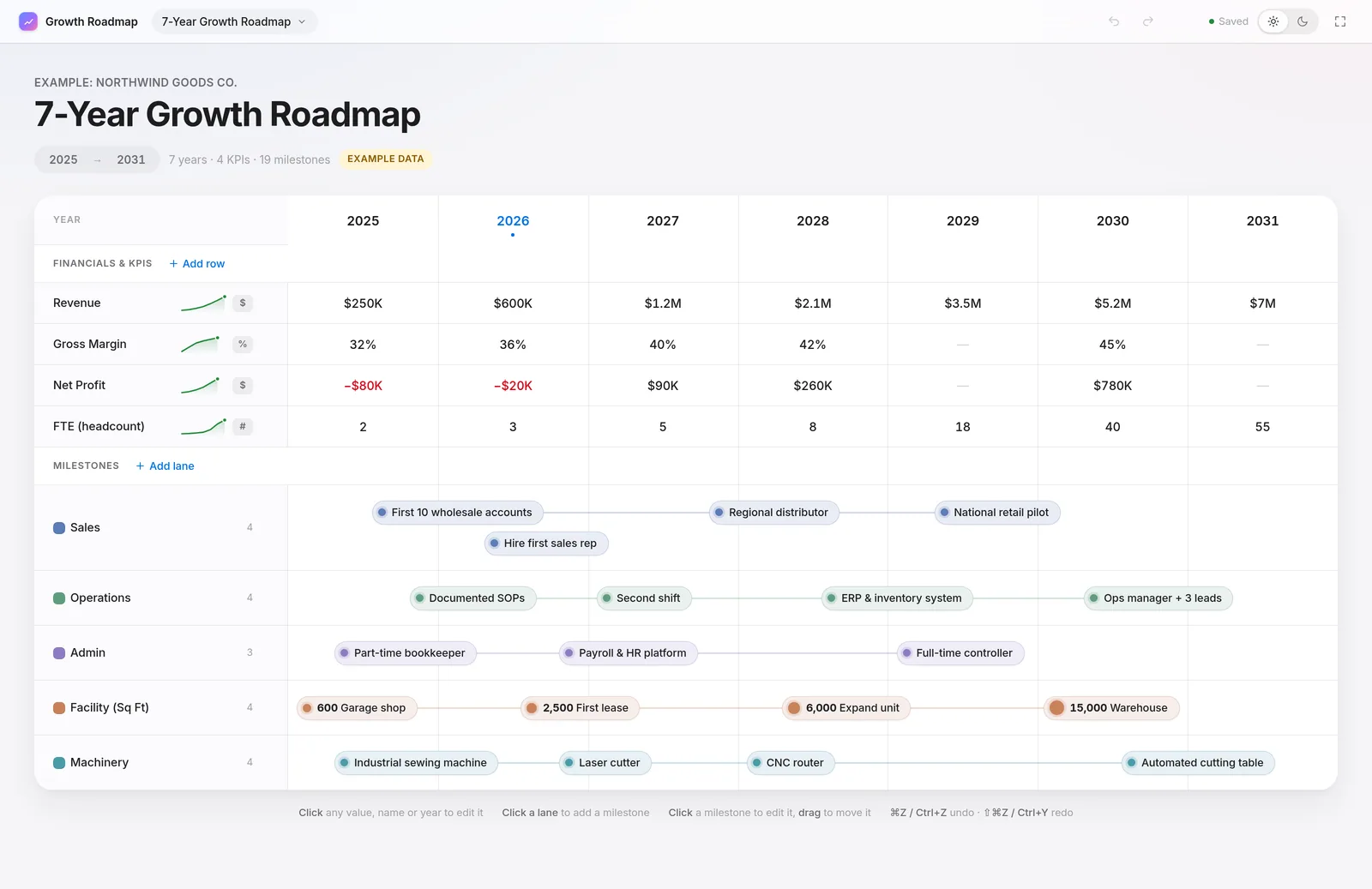
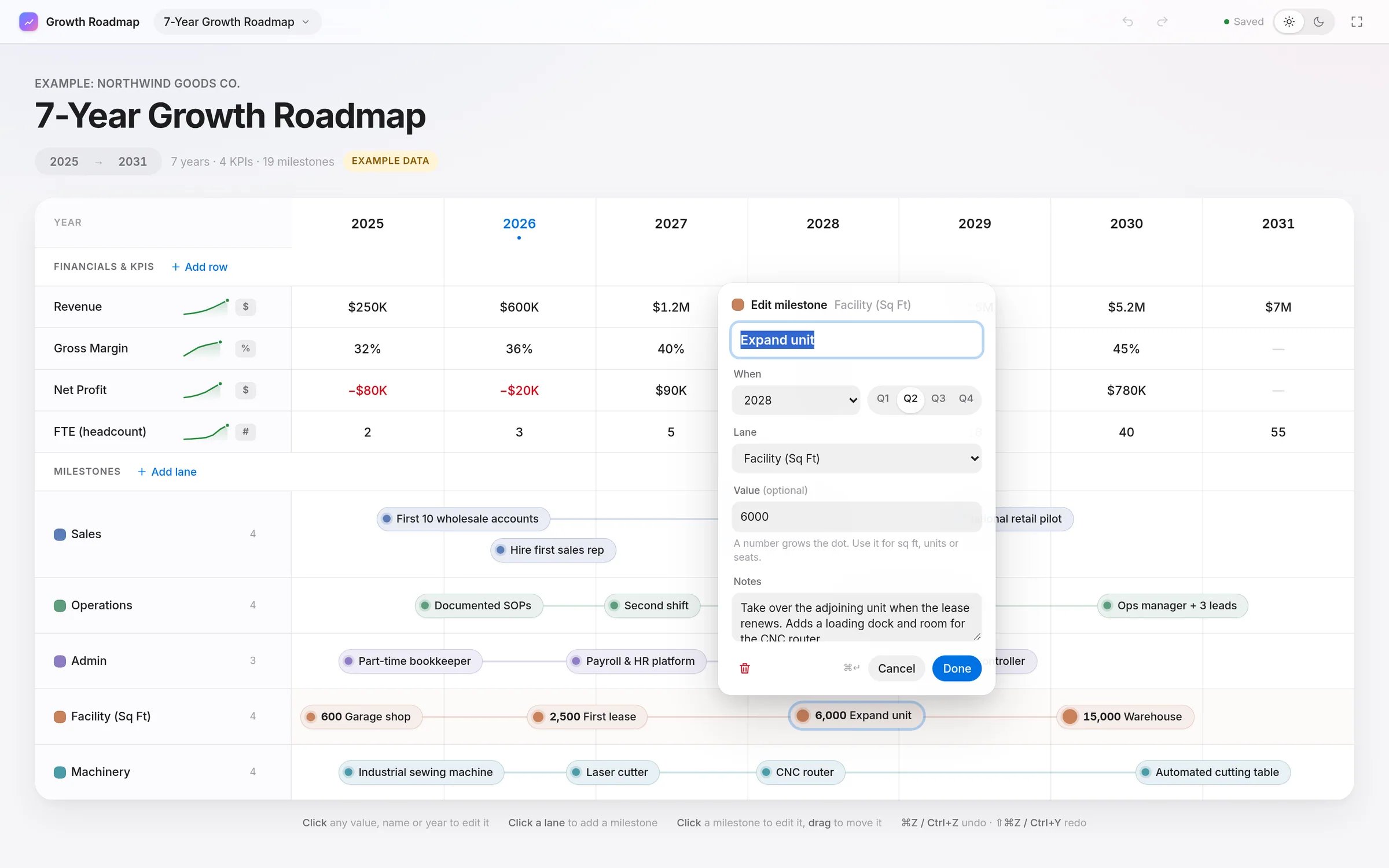
Designed like a planning sketch that edits itself: yearly numbers on top, swimlanes below, one shared year axis.
- One board
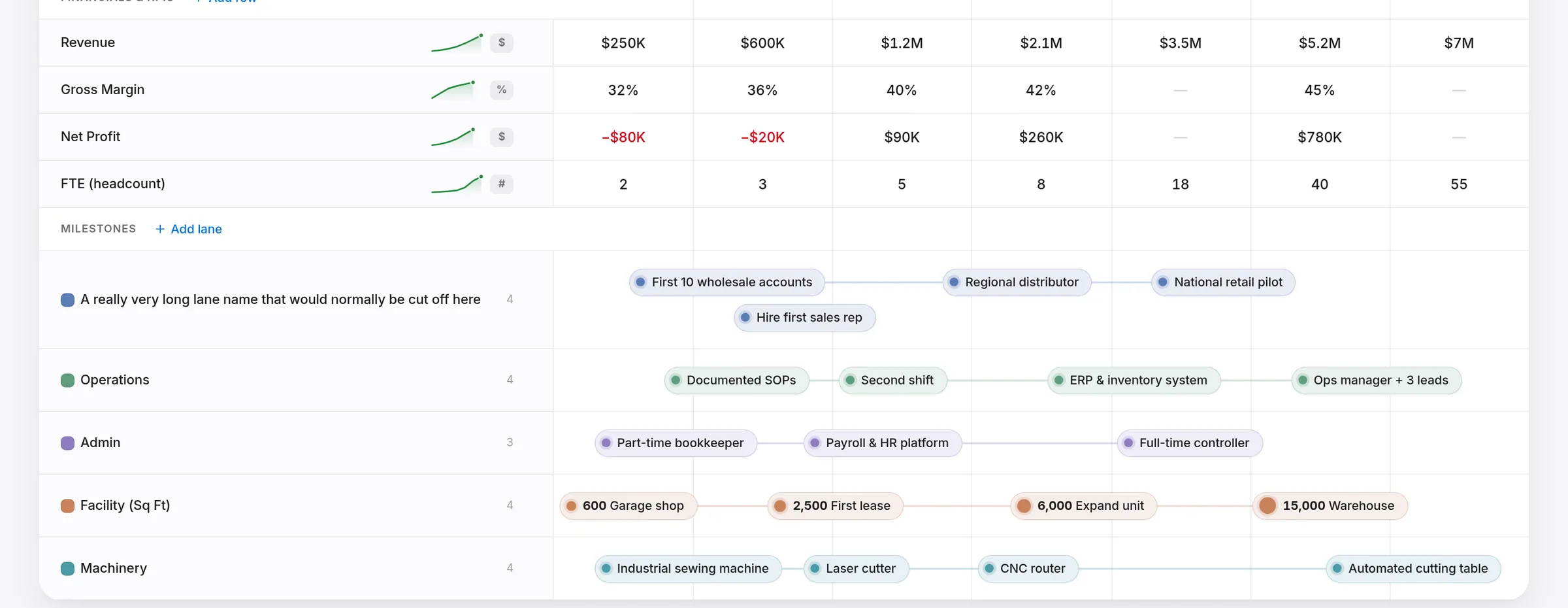
Yearly numbers (revenue, gross margin, net profit, FTE) sit above the milestone swimlanes, on shared year columns.
- Milestones are pills
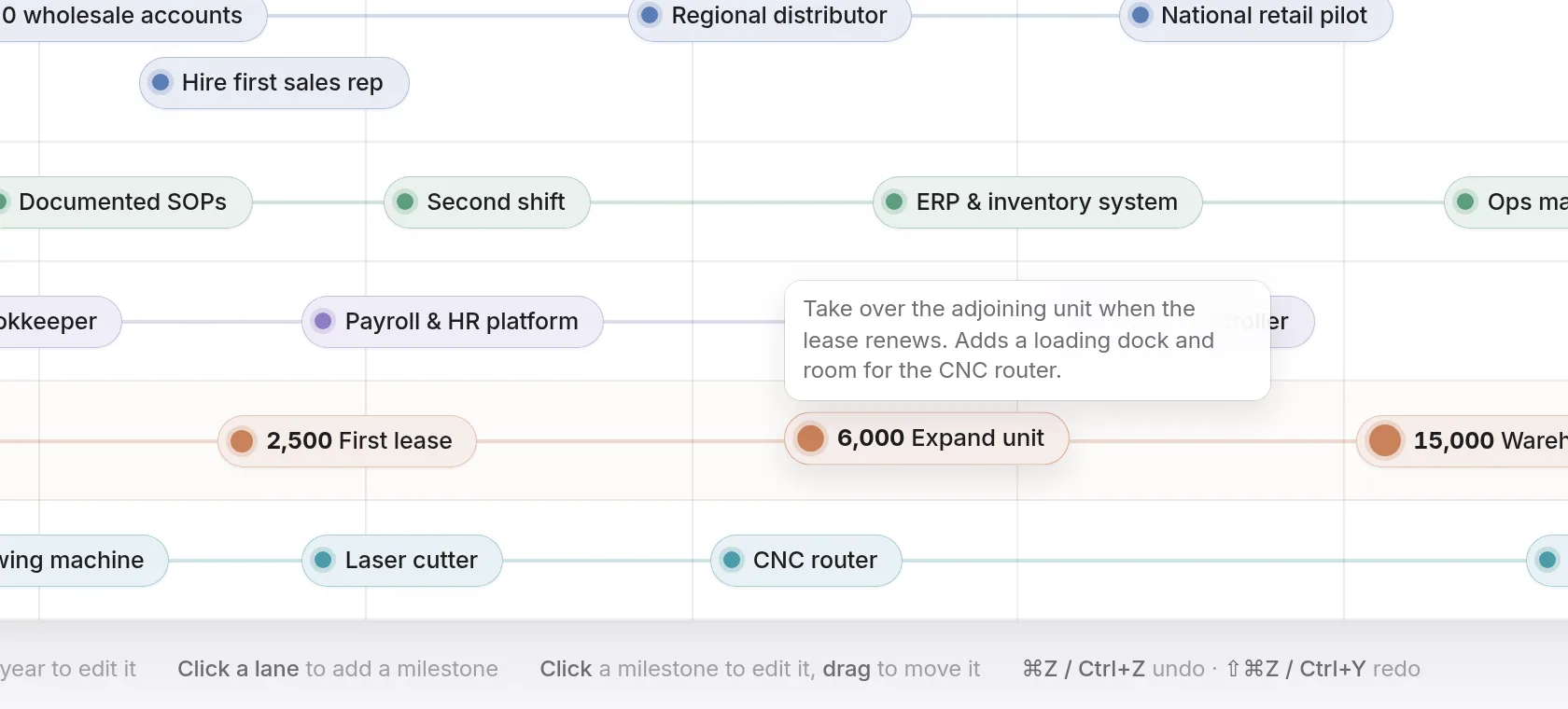
A pill in its lane’s color. Add a number and its dot grows. Same-quarter milestones stack, and notes show as a tooltip on hover.
- Years you control
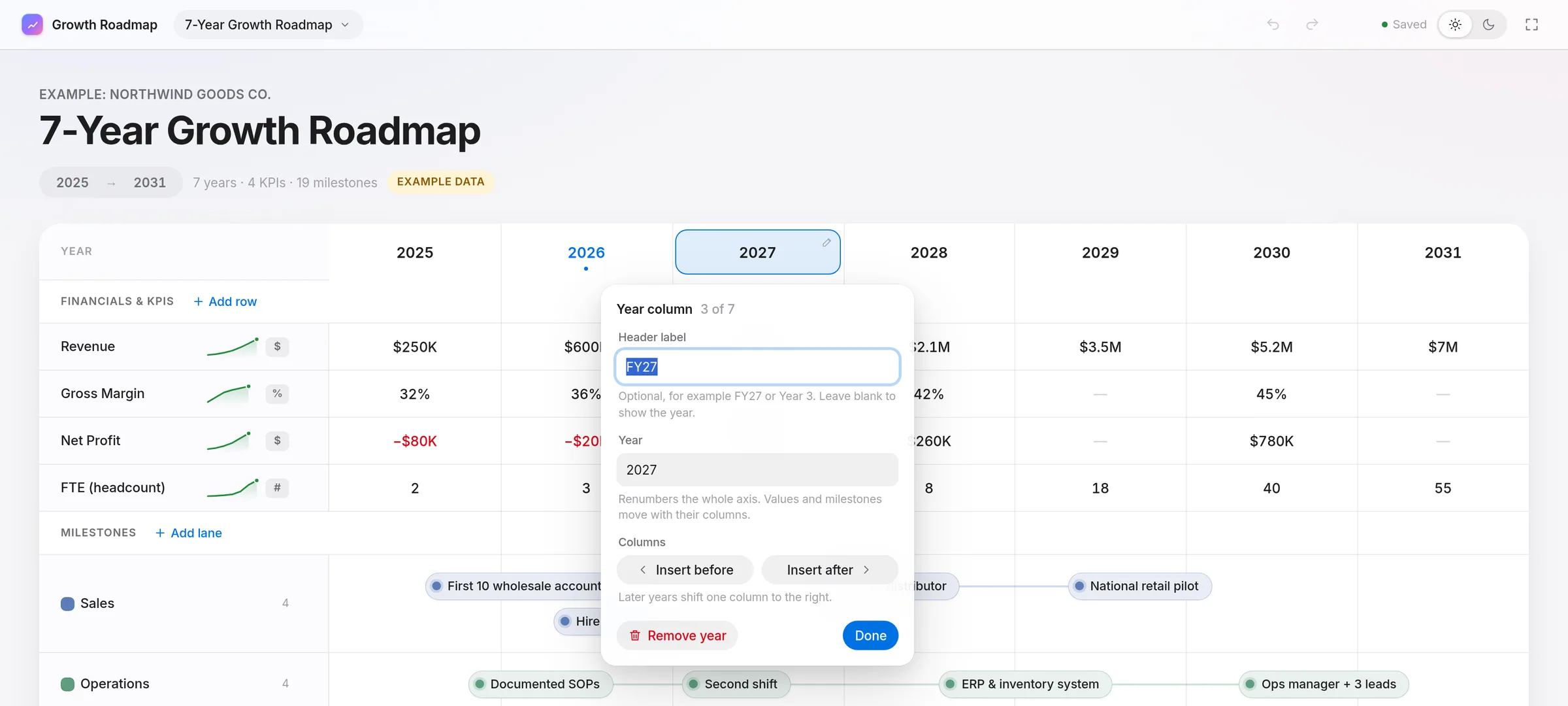
2025 to 2031 by default. Insert, remove and renumber years.
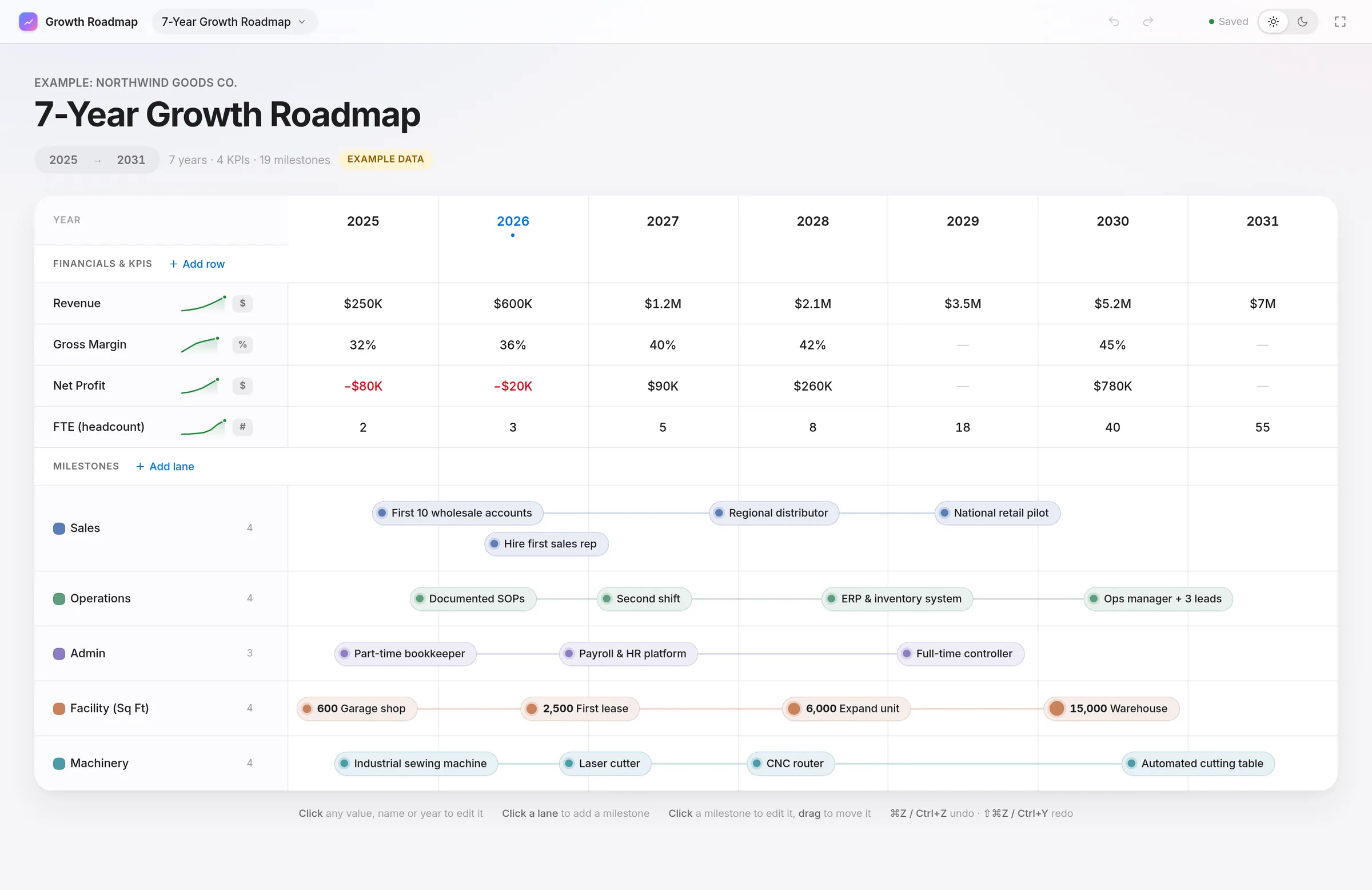
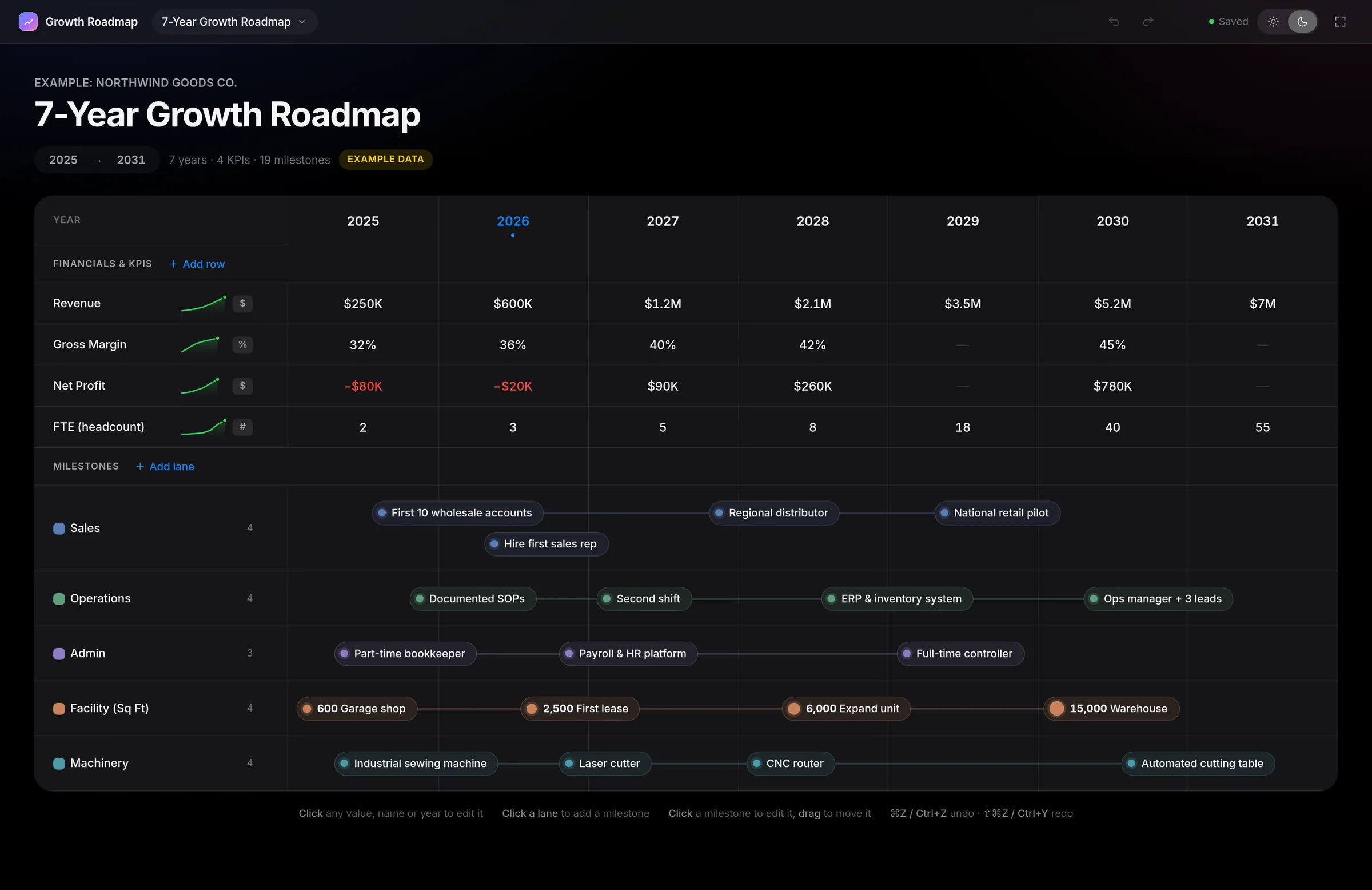
Preview render with invented example data, not a live Google deployment.
Sheet, script and browser
Edits are instant: the editor keeps the roadmap in browser memory, and about 0.4 seconds after the last edit one batched save goes to Apps Script, which writes it to the Sheet.
Each save takes a script lock (waiting up to 8 seconds) and carries its starting revision. If someone saved first, the script refuses it and the editor offers Reload or Keep mine. A failed save shows “Not saved · retrying” and retries after 1.5, 4, 10 and 20 seconds.
- your edit
- the save
- edited elsewhere
- your edit01You editclick or drag
- 02Browserall in memory
- 03Autosave0.4 s, batched
- the save04Apps ScriptsaveChart
- 05Lock + checklock, revision
- 06Google Sheetfive tabs
- 07Savedstatus updates
- 05Lock + check
- edited elsewhere!Conflictstale revision
- Reload / Keepyou choose↩04 Apps Script
Every new client is just a copy
I keep one master Google Sheet. Each new client makes a copy and gets their own private Sheet with nothing to install. Only they and the people they share it with see their numbers.
The full-screen page runs as whoever opens it, so nothing is stored in my project and I can’t see client data. The first time takes about three minutes, per my setup guide, then it’s one click.
- the master
- a copy per client
- their own data
- the master01Master Sheetone template
- 02Copy linkview-only
- a copy per client03Client Aprivate copyClient Bprivate copyClient Cprivate copy
Setting it up
One setup, done once: the master Sheet and one deployed web app. Clients never touch code. They click Open full screen and approve Google, which asks twice and shows an “unverified app” screen the client guide walks through.
- me, once
- each client
- their roadmap
- me, once01Master Sheettemplate + code
- 02Deploy onceone web app
- 03Paste its URLinto the code
- 04Share linkview-only copy
- each client05Client copytheir own Sheet
- 06Approvefirst time only
- their roadmap07Full screenone menu click
- 08Their Sheetopened as them
Me, once
- Paste six files
The code, page and manifest go into the master Sheet’s Apps Script project.
- Deploy the web app once
It runs as whoever opens it.
- Paste its URL into the code
The only value I fill in. No Sheet or script IDs in the code.
- Test with a second Google account
Then share the master and send the copy link with the client guide.
Each client
- Make a copy
From the copy link.
- Click Growth Roadmap › Open full screen
In the Sheet’s menu bar.
- Approve Google
Once for the Sheet, once for the full-screen page.
Built for non-technical users
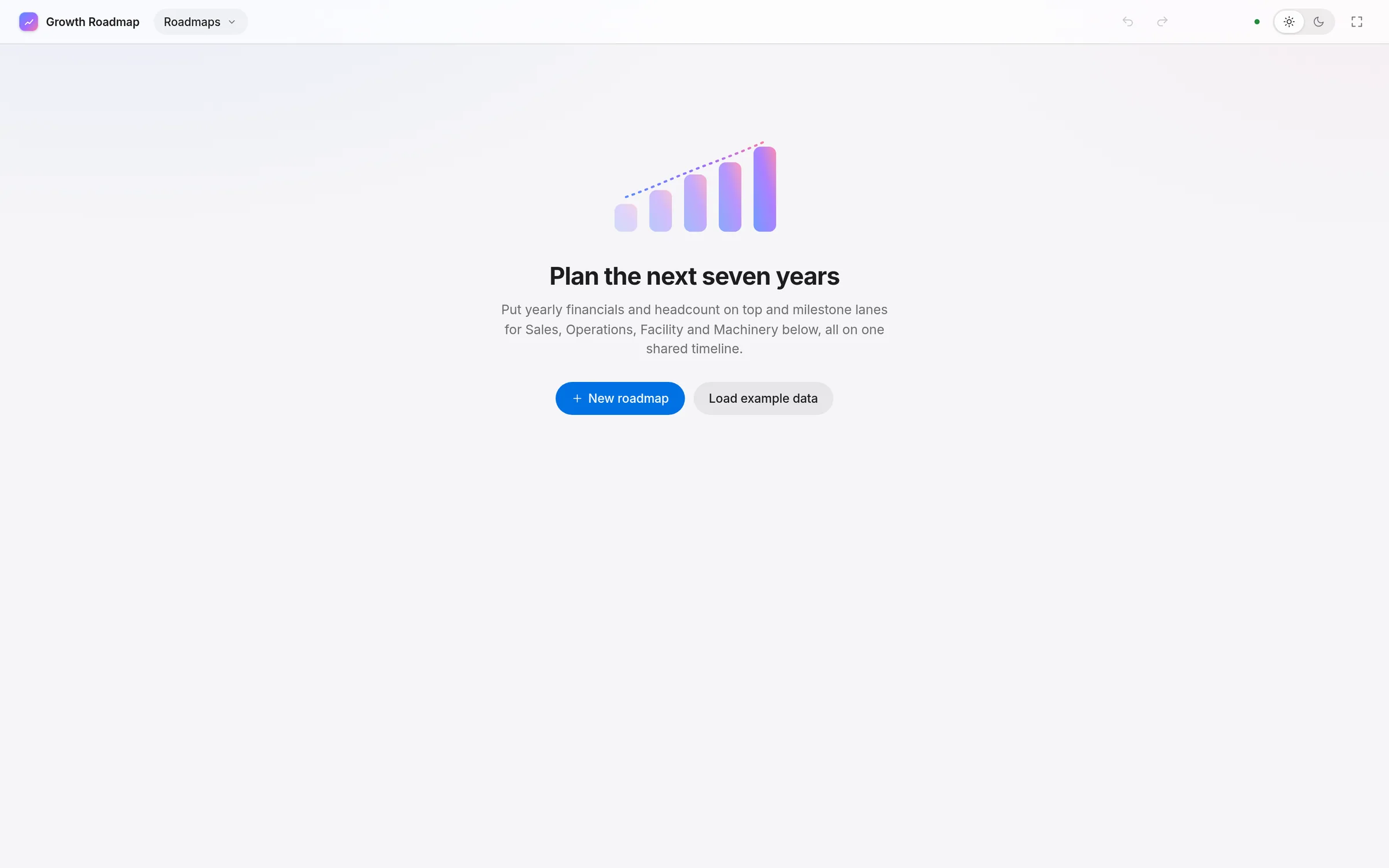
The client guide assumes someone who has never opened Apps Script. In the tool, everything is click-to-edit, saving is automatic and says what it’s doing, and the empty board explains itself.
- Click to edit
- Drag to move
- Undo and redo
- Autosave status
- Resizable names column
- Full screen
- Light and dark
What I can show
- 63 checks on the script
Code.gs run against a mock Sheet: permissions, the script lock, save and conflict handling, and escaping of anything typed into an error page.
- 143 checks on the interface
A headless-Chrome test drives the preview: editing, undo, drag, resizing, dark mode, the empty state and console errors.
No client outcomes or speed measurements claimed. These checks cover the build itself, including that the code has no Sheet IDs and asks only for the Sheets and menu permissions.
Honest limits
Google’s “unverified app” warning appears the first time. The guide explains it, but it’s still a bump.
An unverified app with this kind of permission is capped at roughly 100 users. Beyond that, it needs Google’s verification.
A Google Workspace admin can block it, and a browser signed in to several Google accounts can fail to open the file.
The full-screen page updates for everyone when I publish. The menu in a client’s copy doesn’t until the code is pasted in again.
I designed the tool and how it behaves. I built it fast with AI coding help.
Keep reading